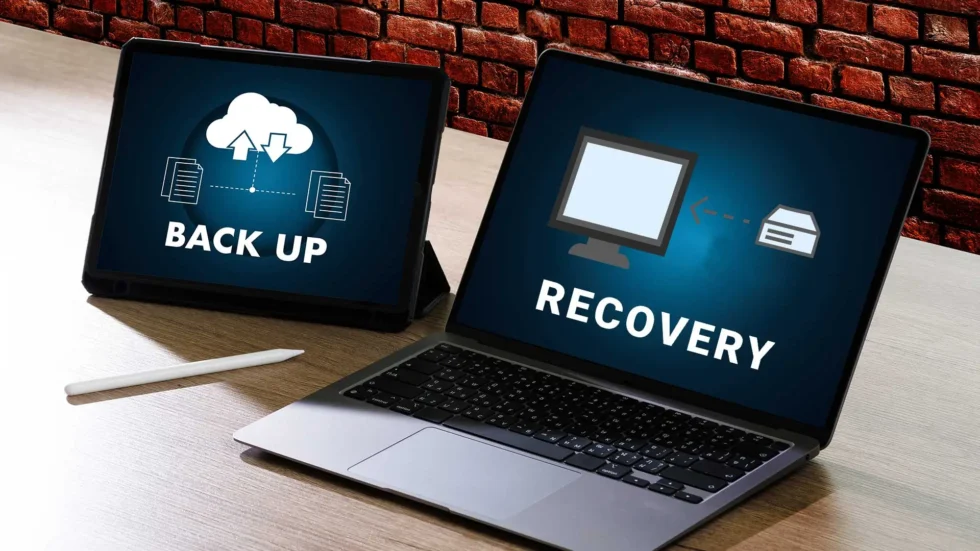
Small businesses in Culver City rely heavily on digital systems to manage operations, store client records, process payments and coordinate daily workflows. When data is lost due to hardware failure, cyberattacks or human error, the consequences can disrupt operations and damage customer trust.
Data Backup and Recovery for Small Businesses in Culver City provides a structured safety net that protects business data and allows organizations to restore systems quickly after unexpected incidents.
Why Data Backup and Recovery Matters for Culver City Businesses
Data loss is not always caused by cyberattacks. Many incidents result from technical failures or operational mistakes.
Common causes include:
- Hardware failure or server crashes
- Ransomware and malware attacks
- Accidental file deletion by employees
- Power outages or system corruption
- Natural disasters affecting physical infrastructure
Security research from the Cybersecurity and Infrastructure Security Agency emphasizes the importance of secure backups and disaster recovery planning to maintain operational continuity.
Businesses searching for computer repair Culver City or computer support Los Angeles services often discover that the absence of reliable backups significantly increases downtime after an incident.

Key Elements of an Effective Backup Strategy
Reliable backup systems are designed to ensure data can be restored quickly and securely.
Automated Backup Scheduling
Automated backups remove the risk of human error and ensure that files are copied regularly. Scheduled backups capture changes in databases, financial records and operational documents.
Cloud-Based Data Storage
Cloud backup solutions store encrypted copies of data in remote locations. This approach protects information even if on-site hardware becomes unavailable.
Guidelines from the National Institute of Standards and Technology recommend geographically separated backups to reduce the impact of localized disruptions.
Encryption and Data Protection
Sensitive business data must remain protected during transmission and storage. Security recommendations from Microsoft emphasize encryption both in transit and at rest.
Recovery Testing
Backups are only useful if they can be restored successfully. Regular testing ensures that systems, applications and databases can be recovered without delay.
A Local Example: Preventing Extended Downtime
A small accounting firm in Culver City experienced a server failure that corrupted critical financial files. Without a reliable backup system, the business risked losing weeks of work and client data.
After implementing automated cloud backup and recovery solutions, the firm established a reliable disaster recovery framework. When a later software failure occurred, the company restored its entire system within hours and resumed operations without major disruption.
The transition from reactive computer city repairs to proactive data protection significantly reduced operational risk.
Common Backup Mistakes Small Businesses Make
Even businesses that attempt to protect their data sometimes overlook critical elements of backup management.
Frequent mistakes include:
- Storing backups on the same device as original data
- Not encrypting backup files
- Failing to test recovery procedures
- Performing backups irregularly
- Ignoring cybersecurity protections for backup systems
Organizations investing in IT services Culver City and computer network support Culver City typically implement automated monitoring to prevent these vulnerabilities.

Integrating Backup with Business Continuity Planning
Data backup is one component of a broader business continuity strategy. Organizations should combine backup systems with additional IT safeguards, including:
- Endpoint protection and threat monitoring
- Secure network design implementation
- Remote access security controls
- Identity access management
- Cloud infrastructure redundancy
These integrated systems protect both operational stability and sensitive information.
For companies across Culver City, Los Angeles, and West Hollywood, combining cybersecurity and backup planning strengthens overall resilience.
The Long-Term Value of Structured Backup Systems
Implementing Data Backup and Recovery for Small Businesses in Culver City supports several operational advantages:
- Reduced downtime after system failures
- Faster disaster recovery
- Protection against ransomware attacks
- Secure storage of business records
- Improved regulatory compliance readiness
Businesses that prioritize structured backup planning gain stability and confidence in their digital infrastructure.

How TechCare Computers Supports Small Businesses in Culver City
TechCare Computers specializes in delivering reliable data protection and disaster recovery solutions tailored for small businesses in Culver City.
Our offerings include:
Managed IT Services: Continuous monitoring, maintenance, and proactive system management.
Cybersecurity Solutions: Firewalls, endpoint protection, and advanced threat detection.
Cloud Backup & Recovery: Secure, encrypted data storage with rapid restoration capabilities.
Network Design & Implementation: Optimized infrastructure supporting stable and secure operations.
Helpdesk Support: Immediate troubleshooting and technical guidance for business teams.
Protecting business data is essential for maintaining operational continuity and customer trust. Contact TechCare Computers today to implement reliable Data Backup and Recovery for Small Businesses in Culver City.