
Microsoft 365 has become an essential platform for businesses that need reliable communication, secure collaboration and efficient document management. For West Hollywood businesses, using Microsoft 365 correctly can improve productivity while reducing security risks associated with outdated workflows and poor system management.
However, simply adopting Microsoft 365 does not guarantee better performance. Businesses need proper configuration, security controls and ongoing management to maximize the value of the platform. This article explores the best practices West Hollywood businesses should follow when implementing and managing Microsoft 365.
Why Microsoft 365 Management Matters for West Hollywood Businesses
West Hollywood businesses often depend on digital tools to support daily operations, customer communication and remote collaboration. From small offices to growing companies, employees need secure access to emails, files and applications from multiple locations.
Without proper Microsoft 365 management, businesses may face issues such as unauthorized access, data loss, inefficient workflows and compliance challenges. A well-structured Microsoft 365 environment helps organizations improve security while creating a more productive workplace.
Optimize Microsoft 365 Security Settings
Security should be one of the first priorities when deploying Microsoft 365. Default configurations may not provide enough protection against modern cyber threats targeting business accounts.
Businesses should implement advanced security measures including:
Multi Factor Authentication
Multi factor authentication adds an additional verification step beyond passwords. This reduces the risk of unauthorized account access caused by stolen or weak login credentials.
Conditional Access Policies
Conditional access allows businesses to control when and how users can access company resources. Organizations can restrict access based on location, device security status or user behavior.
Advanced Threat Protection
Microsoft security tools help detect phishing attempts, malware and suspicious activity before they affect business operations. Regular monitoring allows companies to respond quickly to potential threats.
Improve Collaboration with Microsoft 365 Tools
Microsoft 365 provides a wide range of applications designed to improve teamwork and communication. Businesses that properly configure these tools can create more efficient workflows.
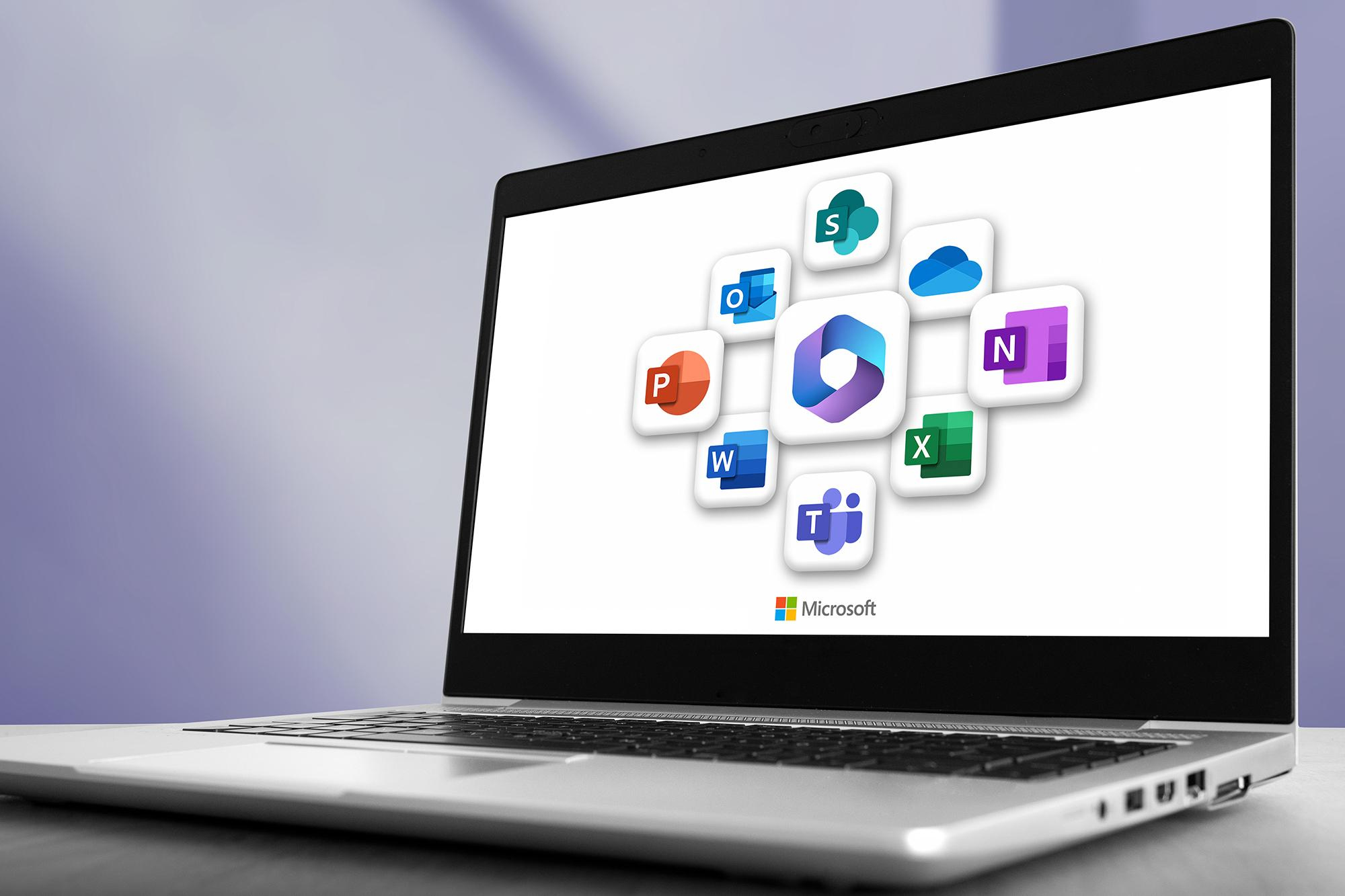
Microsoft Teams helps employees communicate through chat, meetings and file sharing. SharePoint allows organizations to manage documents with structured storage and permission controls. OneDrive provides secure access to files while supporting flexible work environments.
West Hollywood businesses can improve collaboration by creating clear file organization systems, managing user permissions and establishing guidelines for using Microsoft 365 applications.
Maintain Strong Data Protection Practices
Business data is one of the most valuable assets an organization manages. Microsoft 365 includes tools that help protect important information but businesses must configure these features correctly.
Recommended data protection practices include:
Regular Backup Solutions
Although Microsoft 365 provides strong infrastructure, businesses should consider additional backup solutions to protect against accidental deletion, ransomware attacks and long term data loss.
Access Management
Companies should regularly review user permissions to ensure employees only have access to the information required for their roles.
Data Retention Policies
Retention policies help businesses manage important documents and comply with industry requirements by controlling how long information is stored.

Keep Microsoft 365 Applications Updated
Outdated software can create security vulnerabilities and reduce productivity. Businesses should ensure Microsoft 365 applications remain updated across all employee devices.
Regular updates provide access to new features, performance improvements and important security fixes. Organizations should also review installed applications and remove unused tools that may create unnecessary risks.
Train Employees to Use Microsoft 365 Effectively
Technology investments are only effective when employees understand how to use them properly. Regular training helps teams improve productivity while reducing security mistakes.
Businesses should provide guidance on:
- Recognizing phishing emails
- Managing secure passwords
- Sharing files safely
- Using collaboration tools correctly
- Reporting suspicious activity
A trained workforce becomes an important part of a company’s cybersecurity strategy.
Monitor Microsoft 365 Performance and Security
Continuous monitoring helps businesses identify problems before they impact daily operations. Microsoft 365 administrators should review system activity, security alerts and user behavior regularly.
Important areas to monitor include:
- Failed login attempts
- Unusual account activity
- Storage usage
- Application performance
- Security recommendations
Proactive monitoring allows businesses to maintain a reliable Microsoft 365 environment and respond quickly to potential issues.
Common Microsoft 365 Mistakes Businesses Should Avoid
Many organizations experience problems because of poor planning or incorrect configuration. Common mistakes include:
Ignoring Security Settings
Some businesses activate Microsoft 365 without reviewing available security features. This leaves accounts vulnerable to cyber threats.
Poor User Permission Management
Giving employees unnecessary access can increase the risk of data exposure. Businesses should regularly review permissions and update access levels.
Lack of Backup Planning
Relying only on built in cloud storage can create challenges during accidental deletion or security incidents. Additional backup strategies provide another layer of protection.
The Future Of Microsoft 365 For West Hollywood Businesses
Microsoft 365 continues to evolve with new security features, automation tools and artificial intelligence capabilities. Businesses that regularly improve their Microsoft 365 environment can increase efficiency and adapt to changing technology requirements.
Organizations that invest in proper management today can create a stronger foundation for future growth while maintaining secure communication and collaboration systems.
How TechCare Computers Supports Microsoft 365 Management
At TechCare Computers, we help West Hollywood businesses configure, secure and optimize Microsoft 365 environments based on their specific needs.
Our Microsoft 365 services include:
- Microsoft 365 Setup and Migration: Configure accounts, applications and services for a smooth transition.
- Security Configuration: Strengthen protection with advanced settings, access controls and security monitoring.
- User Management: Organize permissions and improve account security.
- Backup and Recovery Planning: Protect important business data from unexpected incidents.
- Ongoing Support: Receive professional assistance to maintain reliable Microsoft 365 performance.
Improve your business productivity and security with a properly managed Microsoft 365 environment. Contact TechCare Computers today to create a customized Microsoft 365 solution for your West Hollywood business.