Technology hardware eventually reaches the point where maintenance is no longer enough to keep systems running efficiently. Aging computers, servers, networking equipment and storage devices can reduce productivity, increase security risks and lead to unexpected downtime. Understanding How to Prepare Your Business for Hardware Upgrades in West Hollywood helps organizations replace outdated equipment with minimal disruption while building a stronger foundation for future growth.
Why Hardware Upgrades Should Be Planned
Many businesses delay replacing equipment until a major failure occurs. While this may reduce short-term spending, emergency hardware replacements often lead to higher costs and operational interruptions.
A planned upgrade strategy allows businesses to:
- Maintain employee productivity
- Reduce unplanned downtime
- Improve cybersecurity
- Support modern business applications
- Extend the lifespan of IT infrastructure
Businesses utilizing computer support Los Angeles and IT services Culver City often schedule hardware refresh cycles to avoid unexpected equipment failures.
Evaluate Your Current Technology Environment
Before purchasing new hardware, businesses should assess the condition of their existing infrastructure.
Areas to review include:
Workstations and Laptops
Older computers may struggle with current operating systems, cloud applications and security software. Evaluating processor performance, memory capacity and storage health helps determine whether upgrades or replacements are appropriate.
Servers
Servers supporting file storage, business applications and virtualization should be reviewed for:
- Hardware performance
- Storage utilization
- System reliability
- Manufacturer support status
Network Equipment
Switches, firewalls, routers and wireless access points should be evaluated to ensure they can support current bandwidth requirements and modern cybersecurity features.
Guidance from the National Institute of Standards and Technology recommends maintaining updated technology assets and replacing unsupported hardware to reduce operational risk.
Align Hardware Investments with Business Goals
Hardware upgrades should support long-term business objectives rather than simply replacing aging equipment.
Questions to consider include:
- Will the business continue growing?
- Are additional employees expected?
- Will cloud adoption increase?
- Is remote work becoming permanent?
- Are cybersecurity requirements changing?
Planning around future needs helps organizations avoid repeated infrastructure investments.
Protect Business Data Before Upgrading
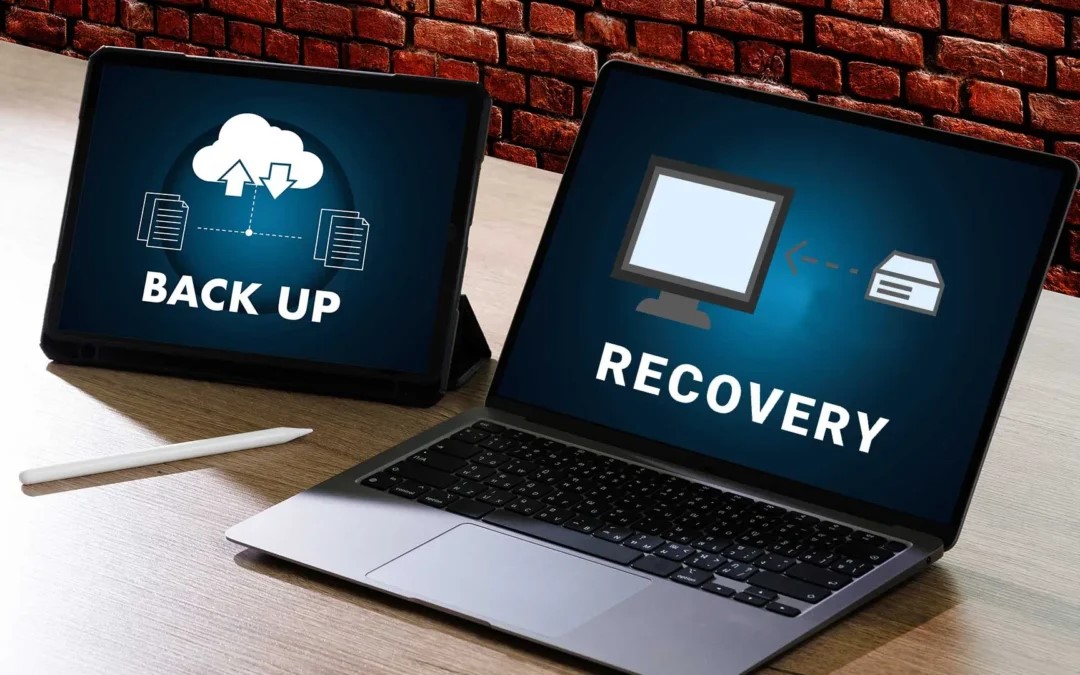
One of the most important steps before replacing hardware is protecting existing business information.
A complete preparation plan should include:
- Verified cloud backups
- Full system imaging
- Secure file synchronization
- Recovery testing
- Documentation of device configurations
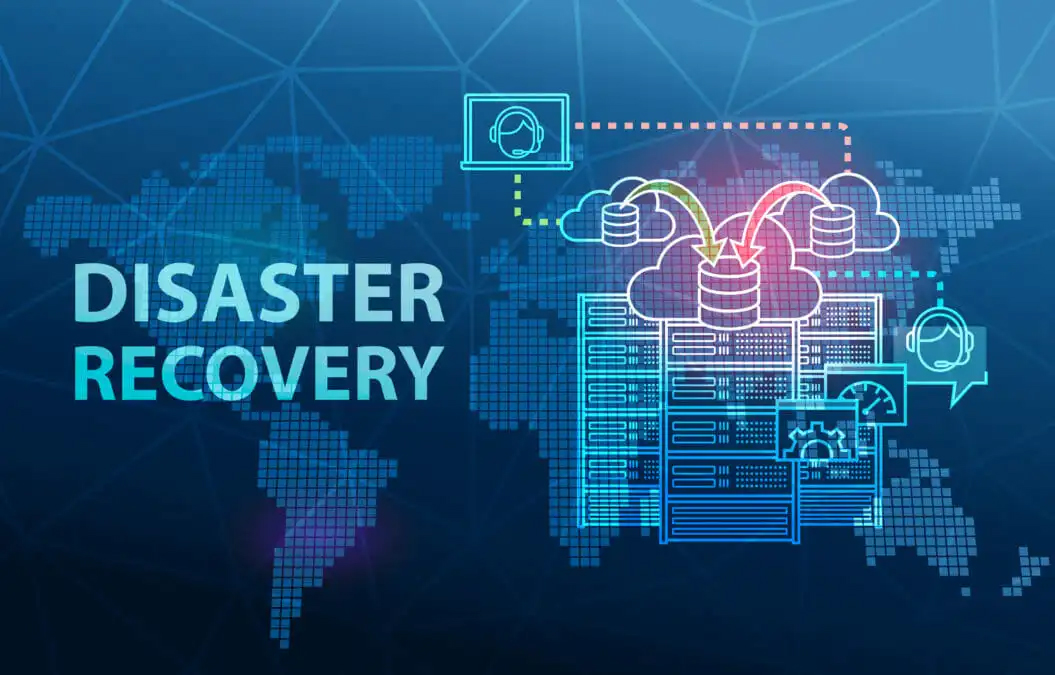
The Cybersecurity and Infrastructure Security Agency recommends maintaining tested backup systems before performing major infrastructure changes.
Reliable backup procedures help ensure business continuity if unexpected issues occur during migration.
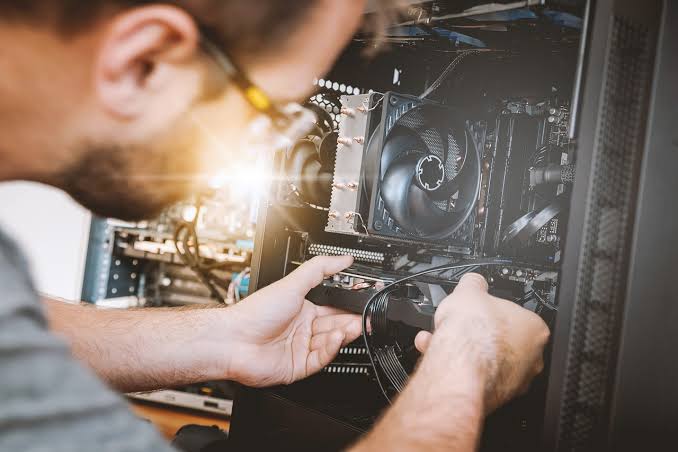
Minimize Downtime During Deployment
Hardware upgrades should be scheduled to reduce disruption to employees and customers.
Best practices include:
- Performing upgrades outside business hours
- Replacing equipment in phases
- Testing new hardware before deployment
- Migrating users gradually
- Monitoring system performance after installation
Businesses investing in computer network support Culver City often use phased deployment strategies to minimize operational interruptions.
Don’t Overlook Security Improvements
New hardware provides an opportunity to strengthen cybersecurity across the organization.
Recommended improvements include:
- Enabling hardware-based encryption
- Deploying endpoint protection
- Updating firewall appliances
- Implementing multi-factor authentication
- Removing unsupported operating systems
Security recommendations from Microsoft emphasize combining modern hardware with updated security controls to improve resilience against cyber threats.
Organizations focused on cybersecurity West Hollywood initiatives often integrate security upgrades into every hardware replacement project.
A West Hollywood Business Example
A creative agency in West Hollywood relied on desktop computers that were more than seven years old. Employees experienced slow application performance, frequent hardware failures and increasing maintenance costs.
Rather than replacing equipment individually, the company developed a structured hardware upgrade plan. Servers, workstations and networking equipment were replaced over several weeks while cloud backups protected business data throughout the migration.
Following the upgrade, the agency achieved:
- Faster application performance
- Improved reliability
- Better remote work capabilities
- Lower maintenance expenses
- Enhanced cybersecurity protections
Planning the project in advance allowed the business to complete the transition without significant downtime.
Building a Long-Term Hardware Lifecycle Strategy
Hardware management should become part of an organization’s overall IT planning.
An effective lifecycle strategy includes:
- Annual infrastructure assessments
- Equipment inventory management
- Scheduled hardware replacement cycles
- Capacity planning for future growth
- Integration with cloud services
- Ongoing performance monitoring
This proactive approach reduces emergency replacements while supporting operational efficiency and predictable technology budgets.

How TechCare Computers Supports Businesses in West Hollywood
TechCare Computers helps businesses modernize their IT infrastructure through carefully planned hardware upgrade strategies that minimize disruption and maximize long-term value.
Our offerings include:
Managed IT Services: Continuous monitoring, proactive maintenance and infrastructure management.
Hardware Planning & Deployment: Professional assessment, procurement guidance, installation and migration services.
Cloud Backup & Recovery: Secure backup solutions that protect critical business data throughout hardware transitions.
Network Design & Implementation: Reliable, scalable infrastructure built to support modern business operations.
Helpdesk Support: Responsive technical assistance before, during and after every hardware upgrade.
Investing in planned hardware upgrades improves performance, strengthens security and prepares your business for future growth. Contact TechCare Computers today to develop a customized hardware upgrade strategy for your West Hollywood business.